
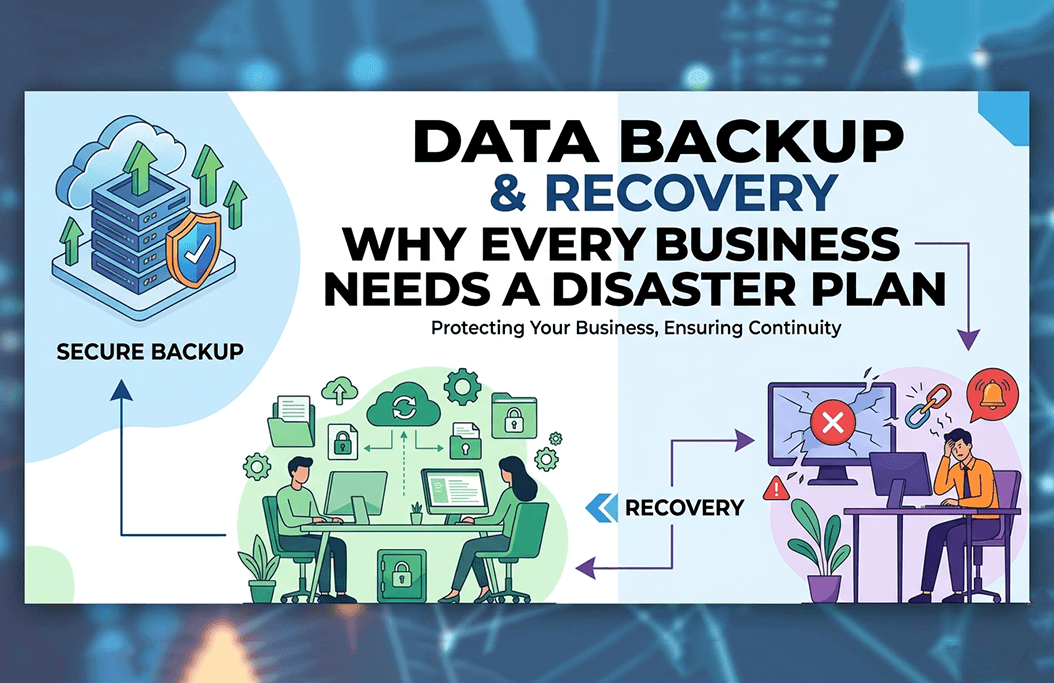

Data Backup & Recovery: Why Every Business Needs a Disaster Plan
Data is becoming the most valuable asset for businesses. If a business loses critical data such as customer records or financial details, the business operation can halt. It calls for a strong data backup and recovery strategy as a necessity for all businesses.
What Is Data Backup & Recovery?
Data backup refers to the method of making copies of the data so that it can be restored when required. If the original data of the company is lost, corrupted, or compromised, businesses can use a copy of the data.
On the other hand, Data recovery is the method to retrieve lost data in case of hardware failure, cyberattack, or any other accidents.
Data backup and recovery combine to ensure the secure data of the company and smooth functioning. A properly planned system can help your business to get back data quickly, no matter if it’s a small file or a major data loss.
Types of Backups: Local vs Cloud
If you understand the backup types, you can easily choose the right solution for your business. It ensures balancing speed, security, and effective data protection. The two types of data backup are:
1. Local backup
Local Backup means storing data on physical devices such as hard drives, servers, or NAS. It is the fastest method and allows instant recovery from large files. The local backup is faster. It does not rely on the internet and offers full control over data storage.
However, local backup types are vulnerable to physical damage such as fire, theft, etc. It also requires manual maintenance and monitoring.
2. Cloud backup
Cloud backup stores data on remote servers. It is managed by third-party providers. It is the most popular option because of its flexibility and scalability. The cloud backup option is accessible from anywhere. It has no threat of physical damage and offers automatic backups and updates.
However, you rely on intent speed and require ongoing subscriptions for cloud backup.
Risks of Not Having a Backup
If your company does not have a backup strategy, your crucial data is at high risk. It can lead to:
1. Data loss
In case of hardware issues, human error, or malware, your important data can be lost, and you won’t be able to get it back.
2. Downtime
If you don’t have backup plans, the recovery can take longer. It will directly impact the productivity and revenue of your company.
3. Financial Loss
Losing the data means losing loyal customers, heavy penalties, and higher recovery costs. All can be managed effectively with a backup strategy.
4. Reputation Damage
If your customer gets the news of data loss or breach at your company, your reputation can be at stake.
Understanding Recovery Time Objectives (RTO)
Recovery Time Objectives are a main metric in disaster recovery plans. It means how quickly your systems and data can be restored. For example, if you are the owner of an e-commerce website, you will need an RTO of minutes. On the other hand, small offices can work fine with an RTO of a few hours.
Setting a realistic RTO helps you to choose the correct backup solution for your business. It ensures your company operations can be back on track within a safe timeframe.
One more important term is RPO. It means “Recovery Point Objective”, which determines how much data loss your business can tolerate.
Best Practices for Data Backup
If you wish to get a reliable data backup and recovery plan, follow the best practices mentioned below:
1. 3-2-1 rule
Follow the 3-2-1 rule. It includes making 3 copies of your data and storing them in 2 different media, with 1 copy off-site. It reduces the risk of total data loss.
2. Automate your backups
Manual data backups can lead to human errors. Your company needs an automated system to secure your data and a regular data backup.
3. Encrypt your data
You can encrypt data backups to protect critical business information when using cloud storage.
4. Test recovery plan
Keep monitoring your data recovery plan to ensure it can restore data quickly and accurately when you need it in real life.
5. Update backup policies
The growing business requires updated backup policies based on changing needs. Keep reviewing your backup strategies regularly.
6. Protection against cyber threats
Cyberattacks such as Ransomware usually attack backups. If you use secure, isolated, and strong backups, you can secure your data against cyberattacks.
Why Every Business Needs a Disaster Plan
A good disaster recovery plan decides how your company will be affected in the event of data loss. It ensures the minimal effect on company functions and faster recovery. If you don’t have a plan, even a small data loss can lead to a big crisis. A good backup plan also trains your team for accurate steps to take during data loss or downtime.
CTA: Secure Your Business with Reliable Backup Solutions
Invest in V4 IT backup solutions and IT support services to make smart decisions for your business data. No matter if you are a startup or a big company, you will get a tailored data backup and recovery strategy at V4 IT services to protect your operations, reputation, and revenue.
If you are confused, contact us to discuss in detail and get the best backup systems and solutions.
FAQs
The best backup solution is customized as per your business size, operations, and budget. Some companies use both types of backups for quick recovery and off-site protection. It can help to reduce damage and losses.
You must backup your company data regularly, depending on your business changes. Daily backup is recommended for customer records, financial information, and transitions.