Professional Hardware Solutions for Your Home and Office in Melbourne from V4 IT Services
We at V4 IT Services know how frustrating it is when your laptop decides to take a permanent holiday right before a big deadline. You need a local team that gets things fixed without all the confusing jargon.
We provide same-day service for residences and businesses across the country so you can get back to work. Whether you deal with a crashed drive or slow networks, we offer managed IT services.
Data Recovery Services
Rescuing Files from Crashed Hard Drives
Losing your precious family photos or critical work documents feels like a total nightmare when your computer suddenly refuses to boot up. Our technicians spend their days retrieving information from spinning disks that have decided to stop working after years of faithful service. We use specialised tools to pull your data back from the brink so you do not lose those memories forever.
Salvaging Information from Liquid Damage
Spilling a full cup of coffee over your expensive laptop is an easy way to ruin your entire week. The liquid seeps into the sensitive components and causes electrical short-circuits that prevent the machine from accessing your stored files. We carefully clean the internal parts to ensure we can perform successful data backup recovery services for our worried local clients.
Retrieving Files
You might accidentally hit the delete button on a folder that you needed for your tax return. Emptying the bin does not always mean the files are gone forever. Our team knows how to find these invisible fragments.
Fixing Corrupted Portable Thumb Drives
Those little USB sticks are incredibly handy, but they often fail at the worst possible time without any warning. You might see an error message saying the drive needs formatting, which usually means the file system has become completely scrambled. We bypass these errors to extract your files and save them onto a much more reliable storage device for you.
Restoring Data from Old Legacy Systems
You might have an old desktop sitting in the garage that contains important records from a decade ago. Connecting these ancient drives to modern computers requires specific adapters and a bit of patience to ensure the hardware does not fail. V4 IT Services handles these delicate operations to make sure your historical records remain accessible in a modern format.
Computer and Laptop Repair
Solving Blue Screen Errors
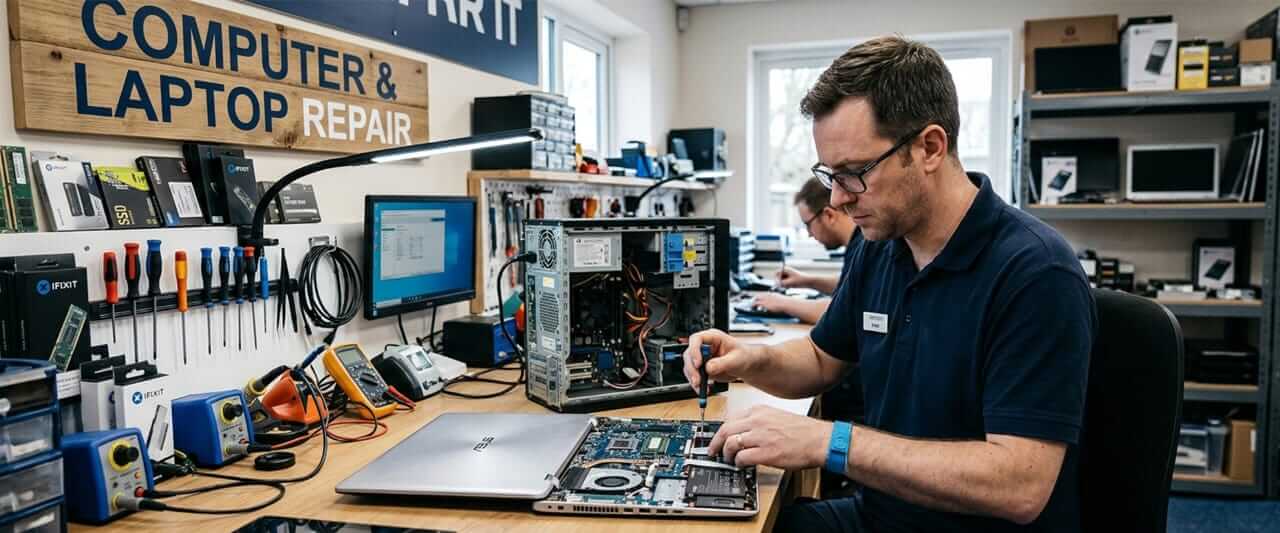
When your screen turns blue, it usually indicates a serious hardware or software conflict. These issues stem from faulty memory modules or a driver. We run extensive diagnostics to find the root cause.
Replacing Dead Laptop Batteries
A laptop that only stays on when plugged into the wall is not really a laptop anymore. Batteries lose their ability to hold a charge over time and can even start to swell, which poses a risk to the internal components. We swap out those tired old batteries for fresh ones so you can enjoy the freedom of working from your local cafe.
Cleaning Out Dusty Cooling Fans
Dust builds up inside your computer over time and prevents the fans from spinning at the speed required to keep things cool. This leads to overheating which makes your system slow down significantly to prevent itself from melting. We provide a thorough internal cleaning to ensure your processor stays cool and your laptop remains fast during heavy workloads.
Fixing Broken Power Jacks
If you have to wiggle your charging cable just to get the light to turn on, you probably have a loose power port. This common hardware failure happens after years of plugging and unplugging the charger with a bit too much force. Our team repairs these physical connections so your device charges reliably every single time you connect it to the mains. We provide same-day service for residences and businesses who need their hardware fixed quickly.
Upgrading Slow Mechanical Drives
Changing an old mechanical hard drive for a Solid State Drive is the best way to make a slow computer feel brand new. You will notice that your applications open almost instantly and the entire system becomes much more responsive than it ever was before. We handle the entire cloning process so all your programs and settings stay exactly the same after the upgrade. Our team offers computer and laptop repair for all major brands and models.
Cybersecurity for Home and Business
Removing Persistent Malware Infections
Nasty software can hide deep within your system files and steal your personal information while you are browsing the internet. These infections often slow down your computer and pop up annoying advertisements when you are trying to get your work done. We perform deep system cleanses to remove every trace of malicious code and restore your peace of mind.
Setting up Strong Network Firewalls
A firewall acts as a digital bouncer that decides who is allowed to enter your private network from the messy internet. Without a properly configured barrier, hackers can easily find their way into your private folders and steal your sensitive identity details. We set up these protections to keep the bad actors out while letting your legitimate traffic flow through without any interruptions.
Teaching Your Staff About Phishing
Most security breaches happen because someone accidentally clicks on a link in a suspicious email that looks like it came from a bank. We provide practical advice on how to spot these scams, so your team does not accidentally give away your company passwords. This human element is the most important part of maintaining effective cybersecurity solution in
Australia.
Wi-Fi and Networking
Eliminating Annoying Dead Zones
There is nothing more frustrating than losing your internet connection just because you walked into the bedroom or the backyard. Thick walls and electrical interference often block the signal from reaching every corner of your beautiful Australian home. We install mesh systems and access points to ensure you have a strong connection regardless of where you decide to sit.
Setting up Secure Guest Networks
You probably do not want your house guests or customers having access to your private files and printers when they use your internet. We configure separate guest channels that provide fast web access without compromising the security of your main internal network. This keeps your private data safe while still being a generous host to everyone who visits your location. Our team provides Wi-Fi and networking solutions that actually work for modern lifestyles.
NBN
Troubleshooting Slow Internet Speeds
There might be an issue with your internal wiring if your NBN connection is slow. The connection from the street into your house needs to be perfect to achieve the speeds. We investigate your local setup to find where the signal is dropping.
Configuring Routers
The basic router provided by your internet company is not powerful enough to handle a household full of smart devices. We set up advanced hardware that can manage multiple 4K streams as well as online gaming sessions.
Server Setup
Building Local File Storage
Small businesses often need a central place to store all their shared documents so everyone can access them from different desks. We build reliable file servers that automatically back up your work to prevent any data loss during a hardware failure.
Managing User Access Permissions
Note that not every employee needs to see the private payroll folders or the sensitive client contracts. We set up specific user groups so people only see the files they need to perform their daily tasks at the office. V4 IT Services ensures your digital filing cabinet stays organised through professional server setup.
Managed IT Services
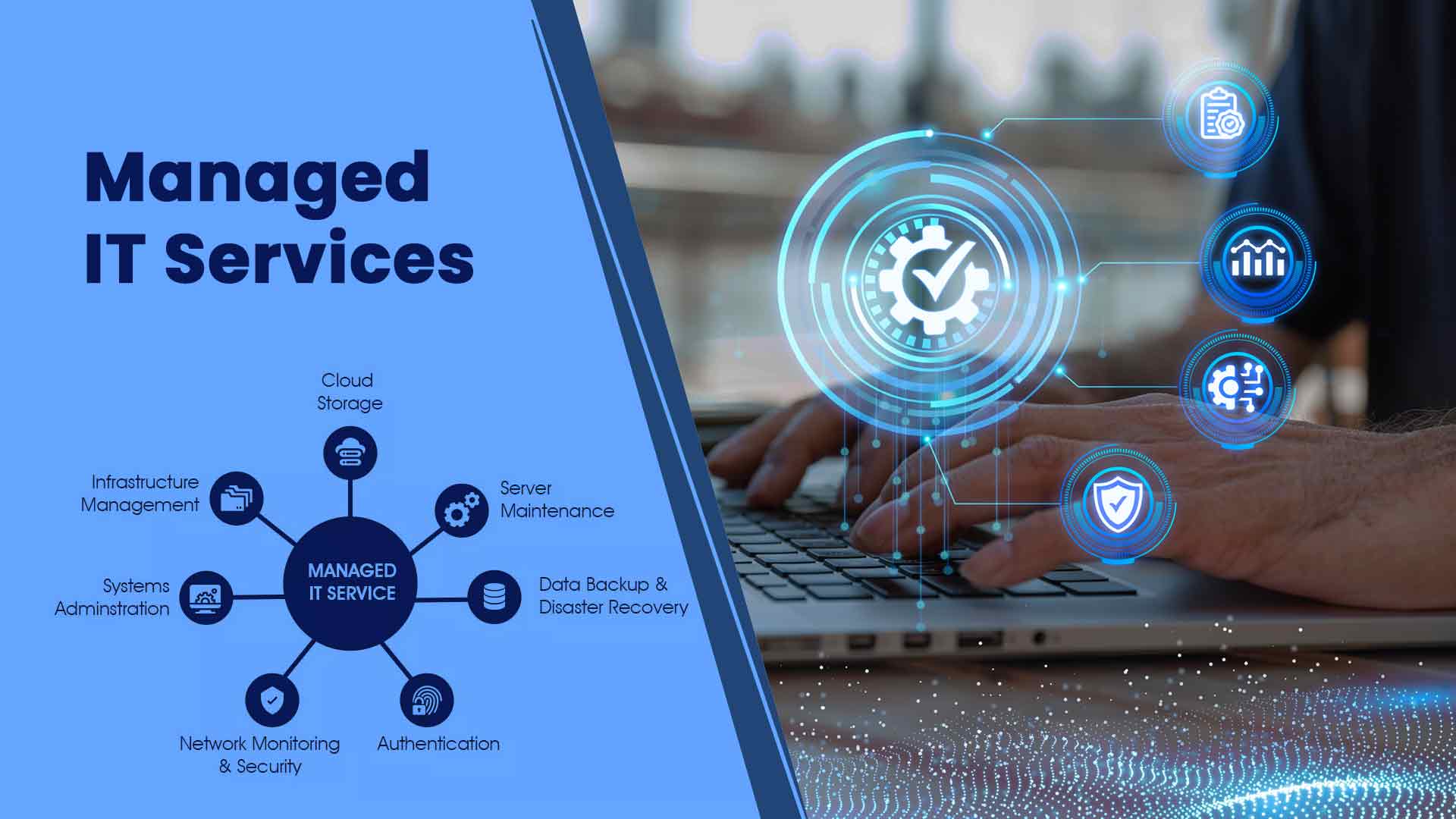
Monitoring Systems Around the Clock
We use smart software to watch over your computers and alert us the moment something starts to look a bit suspicious. This allows us to fix minor issues before they turn into major disasters that stop your entire business from functioning.
Software Updates
Outdated software is the biggest security risk. This is because hackers love to exploit old bugs. We manage all your updates in the background so your programs are always running. You will never have to worry about those annoying update pop-ups ever again when you use our managed IT services.
Email Setup Services
Migrating to Professional Platforms
Using a generic email address for your business does not look very professional when you are sending quotes to new potential clients. We help you move all your old messages over to a custom domain that matches your company name perfectly. This transition is handled carefully so you do not lose any important historical conversations during the move to email setup.
Syncing Calendars Across Devices
It is incredibly helpful to see your work appointments on your phone and your desktop at the exact same time without any manual effort. We configure your accounts, so your schedule and contacts stay perfectly synchronised across every device you own. This ensures you never miss a meeting or lose a phone number while you are out on the road.
IT Services
Setting Up New Workstations
Bringing a new staff member onto the team is exciting, but setting up their computer can be a huge time sink for managers. We handle the entire process from unboxing the hardware to installing every piece of software they need to start working immediately. Our team provides same-day service for residences and businesses to ensure your new hires are productive from their very first hour.
Solving Software Compatibility Issues
Sometimes a new update causes your favourite program to stop working with your printer or your accounting software. We dig into the settings to find out why these programs are clashing and find a workaround that keeps your workflow moving. You can rely on us for all your general IT services whenever your technology decides to be a bit difficult.
Printers and Scanners
Connecting Wireless Office Printers
Getting a printer to talk to every computer on your network is often much more difficult than the instruction manual suggests. We handle the driver installations and network configurations so everyone in the office can print their documents without any annoying errors. We also ensure your mobile devices can send documents to the printer for those times when you are away from your desk.
Setting Up Scan to Email
Scanning documents directly to your inbox saves a huge amount of time when you are trying to digitise your paper records. We configure your scanner to communicate with your mail server so your PDFs arrive exactly where you need them every single time. V4 IT Services makes sure your printers and scanners are fully integrated into your digital office environment for maximum efficiency.
Endpoint Protection
Securing Mobile Work Devices
Your staff likely carry sensitive company data on their phones and tablets whenever they leave the office to meet with clients. If one of these devices gets lost or stolen, you need a way to ensure the data does not fall into the wrong hands. We set up remote wiping capabilities that allow you to erase a device from anywhere in the country instantly.
Deploying Advanced Antivirus Software
Standard antivirus programs often struggle to keep up with the latest threats that are designed to bypass basic security measures. We provide industrial-grade solutions that use artificial intelligence to spot suspicious behaviour before a virus can even start to encrypt your files.
Local Service Areas in Melbourne
Suburb Name | Postcode | Service Type Available |
Melbourne CBD | 3000 | Same-day |
East Melbourne | 3002 | Same-day |
West Melbourne | 3003 | Same-day |
South Melbourne | 3205 | Same-day |
North Melbourne | 3051 | Same-day |
Docklands | 3008 | Same-day |
Carlton | 3053 | Same-day |
Parkville | 3052 | Same-day |
St Kilda | 3182 | Same-day |
Richmond | 3121 | Same-day |
South Yarra | 3141 | Same-day |
Prahran | 3181 | Same-day |
Collingwood | 3066 | Same-day |
Abbotsford | 3067 | Same-day |
Fitzroy | 3065 | Same-day |
Brunswick | 3056 | Same-day |
Hawthorn | 3122 | Same-day |
Camberwell | 3124 | Same-day |
Consult Us Today
Do you need your computer fixed today by a team of friendly experts who actually know what they are doing? Give us a call today to experience the best managed IT services in Melbourne.