
V4 IT Services has expertly supported our business through expansion and systems upgrades without disturbing our daily operations. Their strategic advice and scalable solutions always help us while staying cost-effective. They are just like an extension of our internal team.
Smart TV Installations, Setup & Repairs

Smart TV Setup: Wi-Fi, Streaming and Device Configuration
Setting up a new smart TV can take a little time. You may need to connect it to Wi-Fi, sign in to streaming accounts, pair the remote and adjust the picture and sound settings before settling in to watch. V4 IT Services helps Australian households get these essentials ready, without the hassle of working through every menu alone.
Bought a new TV or need help configuring one you already own? A smart TV setup service can help you get started with the features you want to use.
What Does a Smart TV Setup Service Include?
A few settings and connections need attention before you can use your television’s main features. The service can cover the following, depending on your model and the tasks agreed for the appointment.
A typical smart TV setup appointment can include:
- Wi-Fi connection: Connect your TV to your home wireless network and check that it can access the internet.
- Streaming applications: Install available apps such as Netflix and YouTube, along with other services you use.
- Account configuration: Sign in to your streaming accounts using your existing login details.
- Picture and sound settings: Adjust the available display and audio settings to suit your preferences.
- Remote pairing: Pair the remote and check that its buttons and compatible voice-control features work.
- Soundbar and device setup: Connect compatible soundbars, gaming consoles and other entertainment equipment.
How Can You Fix Smart TV Wi-Fi and Connectivity Problems?
A television that cannot connect to Wi-Fi may prevent you from accessing streaming applications, software updates and other online features. Sometimes, the cause is a simple network configuration issue rather than a fault with the television.
During a setup appointment, a technician can help connect your TV to the correct wireless network, enter the required password and check its internet connection. They can also review the television’s network settings and help identify common configuration problems.
Before your appointment, make sure your router is switched on and your Wi-Fi password is available. You should also check that your internet connection is working on another device. These simple checks can help make the setup process smoother.
How Do You Connect Your Streaming Services to a Smart TV?
Getting your streaming services ready is one of the main reasons to arrange professional television setup. Although many smart TVs come with popular applications already installed, you may need to download additional apps and sign in to your accounts.
A technician can help you locate compatible applications, install them and complete the initial sign-in process. You will need to provide your own account details and have access to any required verification codes.
Once your applications are configured, you can check that they open correctly and that your television has a working internet connection. Subscription fees and account access remain your responsibility.
Can You Connect a Soundbar, Gaming Console or Other Device?
Yes. Most modern smart TVs offer several connection options for compatible entertainment equipment. However, choosing the correct port and adjusting the relevant settings can sometimes be confusing.
A setup appointment can include connecting compatible devices such as:
- Soundbars and external speakers
- Gaming consoles
- Streaming media players
- Blu-ray players
- Other compatible HDMI devices
The technician can check the available connections, help select the appropriate input and confirm that the connected equipment works as expected. Have the necessary cables and accessories ready before the appointment.
Why Choose V4 IT Services for Smart TV Setup?
Getting a new television ready should not mean spending your evening searching through instruction manuals or trying different settings. V4 IT Services can help you complete the initial configuration and get your compatible entertainment devices connected.
With a technician handling the setup, you can get assistance with:
- Connecting your television to your home Wi-Fi.
- Configuring streaming applications and existing accounts.
- Pairing your remote and adjusting basic settings.
- Connecting compatible external devices.
- Checking that the main television features work correctly.
The service is focused on television configuration. You can arrange the television on a suitable stand before your appointment.
How Can You Book a Smart TV Setup Technician?
Getting started is simple. Visit the V4 IT Services booking page and arrange an appointment for your television setup. Before booking, consider your television’s make and model, the applications you want to use and any external devices you need connected.
Have your Wi-Fi details, streaming account credentials and device cables ready for the appointment. Sharing these requirements in advance can help the technician understand the work involved and prepare accordingly.
Book a Smart TV Setup Appointment and get your television configured for everyday entertainment.
Our Smart TV Services
Smart TV Installations
unboxing and setup
Smart Home Integration
connect your TV with Google Home, Alexa, or Apple HomeKit
App Setup & Configuration
Netflix, Disney+, Stan, Amazon Prime, Kayo, and more
Wi-Fi & Network Connections
get your TV connected to your home or office network
Firmware & Software Updates
update operating systems and apps for best performance
Smart TV Troubleshooting
fixing crashes, black screens, no sound, or connectivity issues
Remote Control & Device Pairing
set up remotes, soundbars, speakers, and streaming devices
Book Today
Book today and experience Australia’s most trusted onsite & online IT support.
Expert technicians available 7 days a week.
Expert technicians available 7 days a week.
Why Choose V4 IT Services?
- Australian Owned and Operated - Locally owned expertise delivering professional TV installation and repair services across Australia.
- Nationwide coverage – Convenient onsite services available across 1,500+ postcodes.
- 100+ fully insured & certified technicians – Skilled professionals for Smart TV installation, setup, troubleshooting and repairs.
- Same-Day Appointments – Get your TV installation or repair arranged quickly, with same-day bookings available in most areas.
- Flexible Service Options – Choose convenient onsite visits, phone assistance or remote help for eligible technical issues.
- Upfront, Transparent Pricing – Know your service costs before work begins, with no hidden charges.
- No-Fix, No-Fee Guarantee – No service fee when an issue cannot be fixed, subject to applicable terms and conditions.
- Thousands of 5-Star Reviews – A strong record of positive customer feedback for professional service.
- Convenient Home Service – Get your Smart TV installed, connected and configured at home without the hassle of travelling to a repair shop.
How does it work?
Easy and Simple Process

01
Tell us about the Issue
Call or text us with your IT issues. Our friendly Front office will ensure you are directed to the right team.

02
Free Quote
Get a No Obligation Quote for an Online (Remote/Phone) or Onsite assistance.

03
Technician Assigned
Once you accept the quote, we assign a technician to come out to your address or assist you over the phone.

04
Issue Fixed
Get your IT issues fixed and make the payment using any card, BSB or One Time Direct Debit Option.
BEST Locations
Areas We Service
We visit your residence on the same day for smart TV repairs (since waiting for a faulty TV is just painful). Our 100+ technicians cover 1,500+ Australian postcodes with 1,500+ 5-star Google reviews from locals who trust us. You get your setup and installations finished quickly so watching remains easy for family.
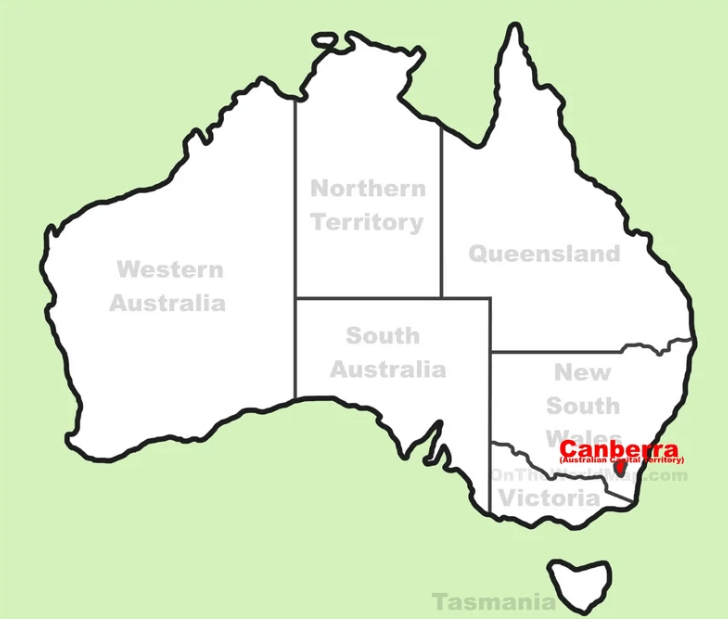
ACT
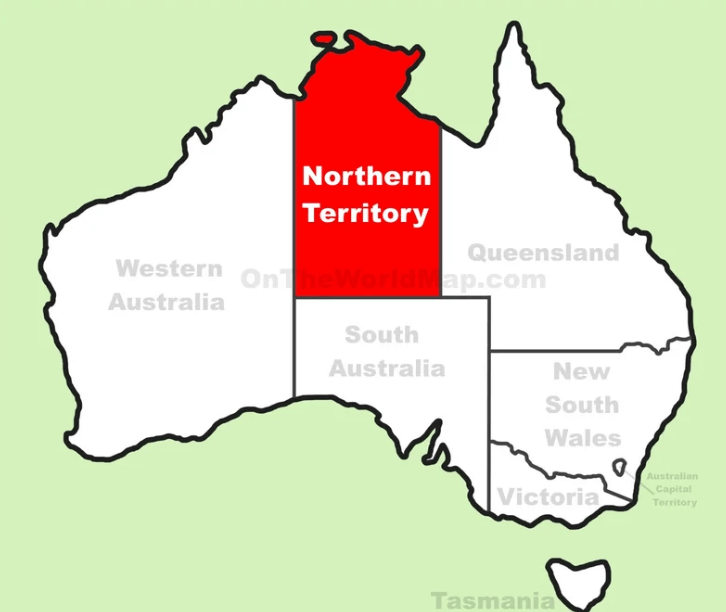
Northern Territory

Tasmania
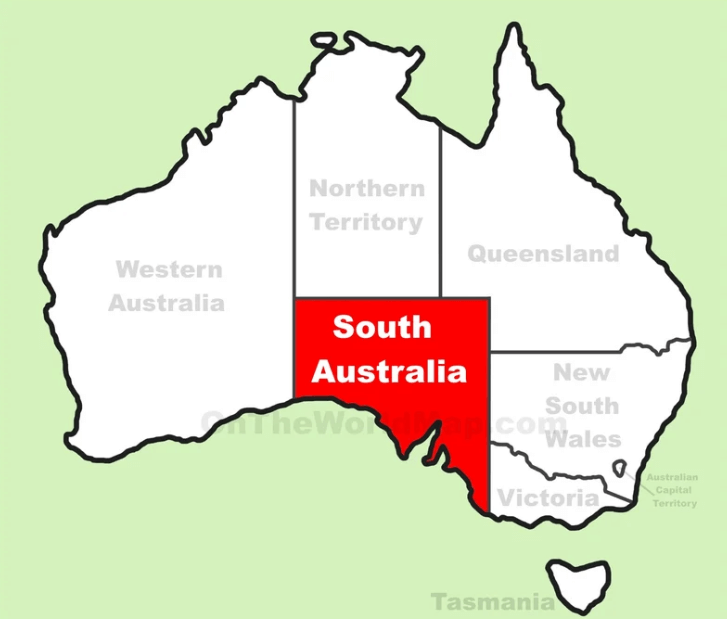
South Australia
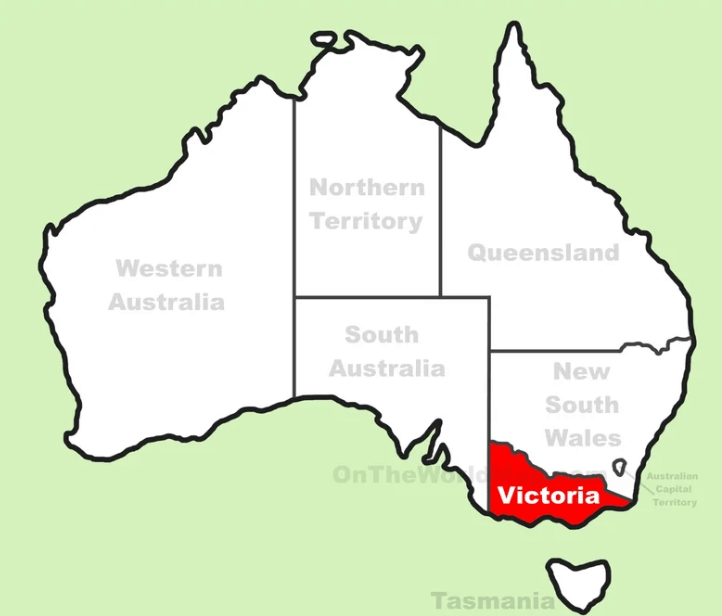
Victoria
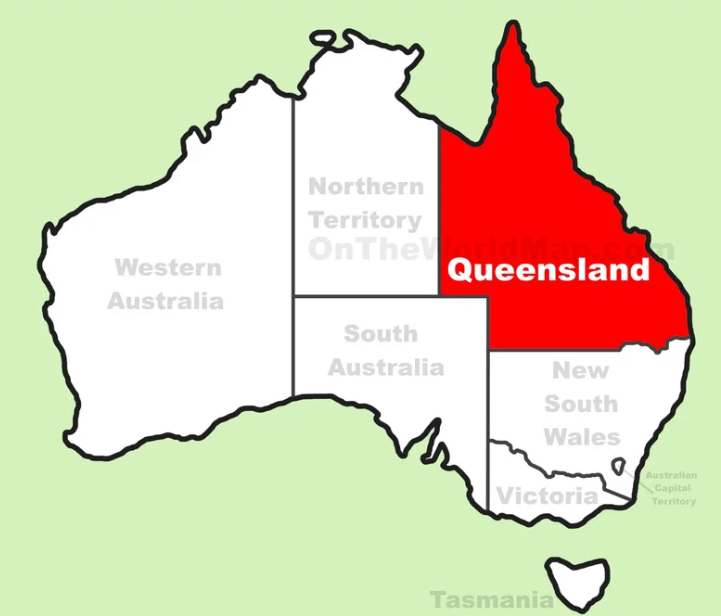
Queensland
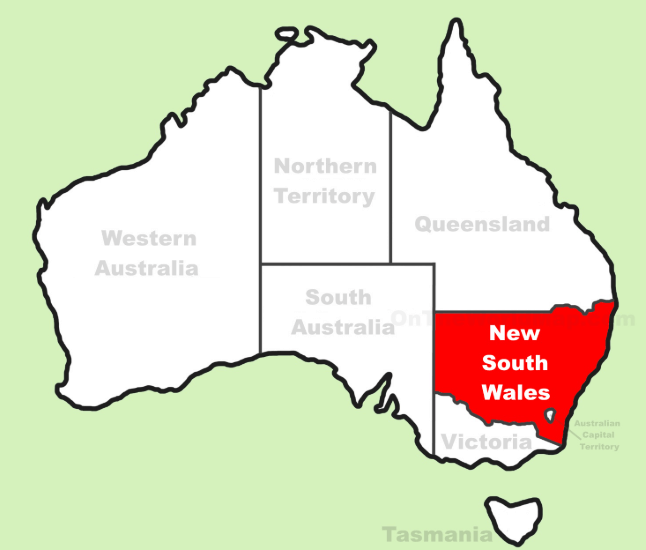
New South Wales
What Our Customers are Saying?
130,735+ reviews
Linda John
SydneyV4 IT Services is our great companion in managing our IT systems. Their team responded quickly and was highly knowledgeable. They understood our business from day 1 and provided reliable and highly professional service to ensure everything keeps running smoothly. We now have complete peace of mind knowing that our IT is in safe hands.
Kim Jordon
Network City, AustraliaMy computer suddenly stopped working, and I contacted V4 IT services to get help. The technician arrived very quickly and explained everything to me clearly. He fixed the issue and made sure everything was running smoothly before leaving. The technician was very professional and honest. I got the stress-free service and would definitely use their service again for reliable IT support.
Frequently Asked Questions
A typical setup includes connecting your television to Wi-Fi, installing compatible streaming applications, signing in to accounts, pairing the remote and configuring basic picture and sound settings. Connecting compatible external devices may also be included, depending on the agreed service.
Yes. You can arrange a setup appointment for an existing television that needs its applications, network connection, remote or other compatible features configured. The work will depend on the television’s model and the specific requirements.
The time required depends on your television model, internet connection, number of applications and additional devices. A straightforward setup may take around one to two hours, although more involved configurations can take longer.
Q: Can you set up streaming apps for me?
Absolutely – we’ll configure Netflix, Disney+, Prime Video, and all other apps.
Q: Do you work with all TV brands?
Yes, we support Samsung, LG, Sony, Hisense, Panasonic, TCL, Philips, and more.
Q: Can you integrate my TV with smart home devices?
Yes, we can connect your TV with Google Home, Alexa, Apple HomeKit, and other smart devices.
Q: Do you repair TVs as well?
Yes, we fix software issues, connectivity problems, sound issues, and more.
Get In Touch
Contact Us Form
Headquartered in Melbourne, we have technicians all over Australia. Fill in the below form to get in touch with us.
Contact Info
Unit 4/11-15 Leicester Ave, Glen Waverley VIC 3150, Australia